Settings and troubleshooting
Manage your account and CoC settings, and resolve common setup questions.
Updated October 22, 2026. Screenshots use fictional training data. Select an image to enlarge it.
Manage settings
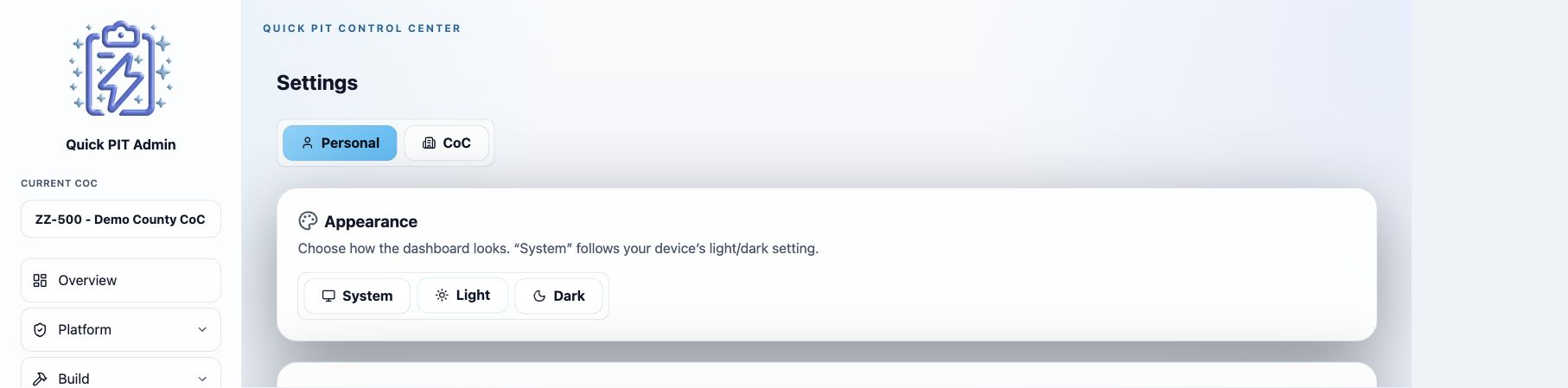
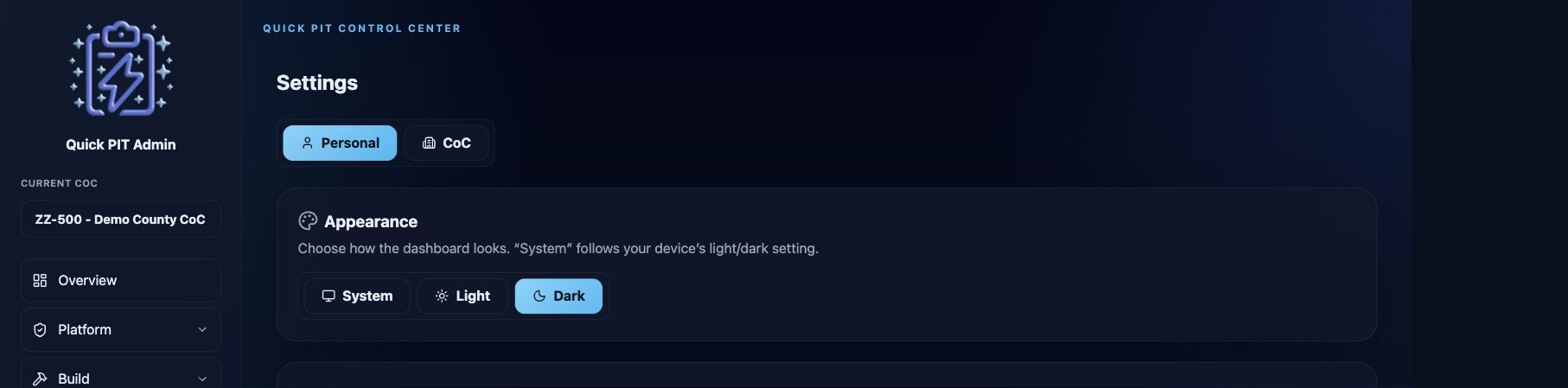
Settings → Personal controls your dashboard appearance and account sign-in methods. Choose Light, Dark, or System. The sign-in section lets you manage linked providers and request a password setup or reset link.
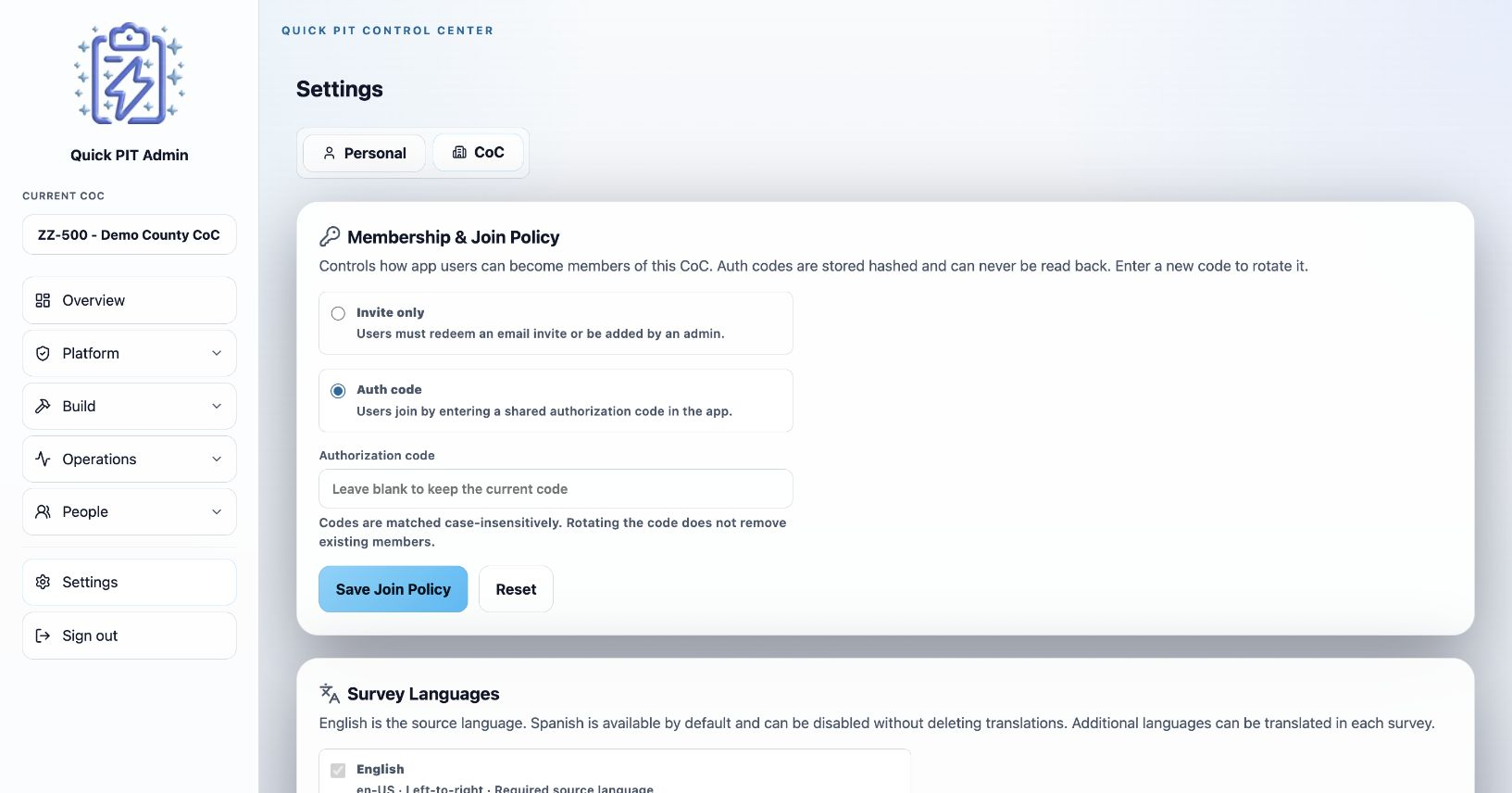
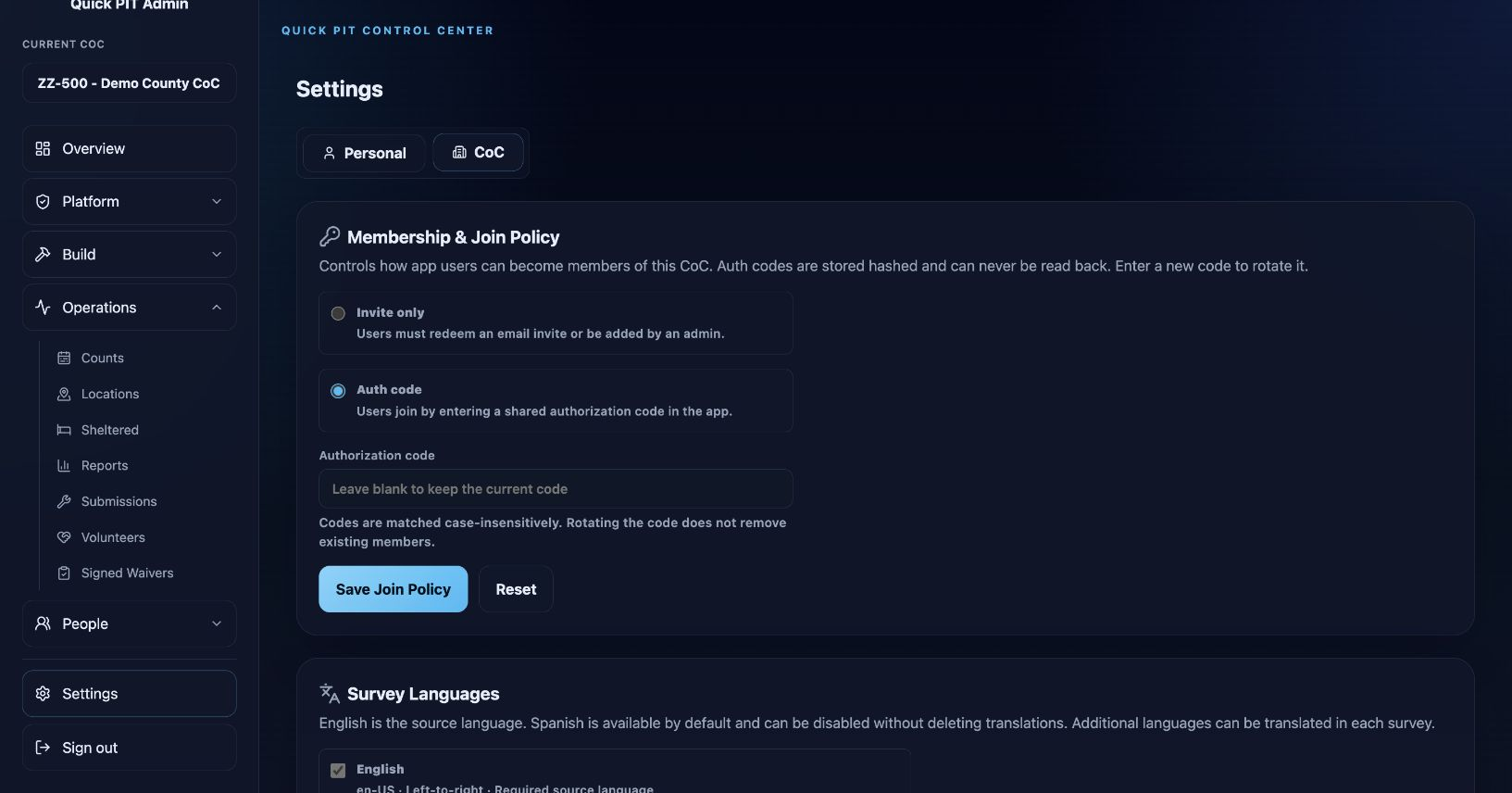
Settings → CoC controls the selected organization’s setup:
- Membership & Join Policy: use Invite only for invitation-based enrollment or Auth code for a shared joining code. Open enrollment is restricted to supported demonstration organizations. Changing a joining code does not revoke existing memberships; manage those on Users.
- Survey Languages: enable the languages to prepare and publish in your surveys.
- CoC Timezone: review this before setting count windows and scheduling notifications.
- App Lock: require an unlock when members reopen the field app and choose the background timeout. Supported mobile devices use device authentication; web users set an app PIN. A full relaunch requires unlocking when this policy is enabled.
Use the save control in the section you changed. Personal theme settings do not change the field app’s survey language or another administrator’s preferences.
Common questions
Why can I sign in but not administer my CoC?
Confirm that you used the invited account and have CoC Admin access. A normal member can use assigned field-app functions without receiving dashboard administration rights. Ask an existing CoC administrator to review your access on Users.
Why is the survey still in English?
Check that the language is enabled, its translation is complete, and you selected both Mark as reviewed and Save Survey. Verify that the count or program uses the survey you translated. Changes to English may require another translation review.
Why is a count missing from the field app?
Check its Published status, collection dates, and timezone. Drafts stay hidden. Collection must be within the relevant main or observation window. For sheltered work, also check program assignment and its survey.
Why does the checklist say setup is complete when we still need testing?
The checklist checks basic configuration. It cannot confirm that a survey reads well, translations are accurate, or each member’s assignment suits the field plan. Test these in a practice run.
Why are map totals different from visible pins?
Some responses lack usable geography, several responses may share one location, and ZIP or county positions can be approximate. Review map filters and use the tables for exact totals. A mapping-service failure does not by itself mean a response was lost.
Why did report numbers not change after I corrected a response?
Select the correct count and choose Recompute. Use chart Refresh separately for custom charts and Refresh on Submissions for its list.
Why does the app still ask for a waiver when the count uses an external process?
The field app also checks active organization-wide waiver templates. Review those templates as well as the count’s Waiver Profile setting.
Why did editing a volunteer survey not ask everyone to respond again?
Existing submitted or declined responses remain associated with that survey. Create and attach a new Volunteer Survey when you need a fresh response from everyone.